 For Brands
How to Track an Influencer Campaign: Views, Likes, Shares and Sales
In this article
The campaign ended last week. Three creators posted, each sent you a screenshot of their numbers, and your sales chart looks about the same as before. Was the campaign a success? You honestly cannot say. One screenshot is cropped, another is from a different day, and nobody can tell you which post, if any, sent a single customer to your store.
This is the tracking problem behind most "influencer marketing doesn't work" stories. The campaign may have worked or not. There was just no way to see. You do not need an expensive platform to fix it. You need three layers of tracking, set up before the creator posts: verified post numbers, a unique link and code per creator, and a check on the audience before you pay.
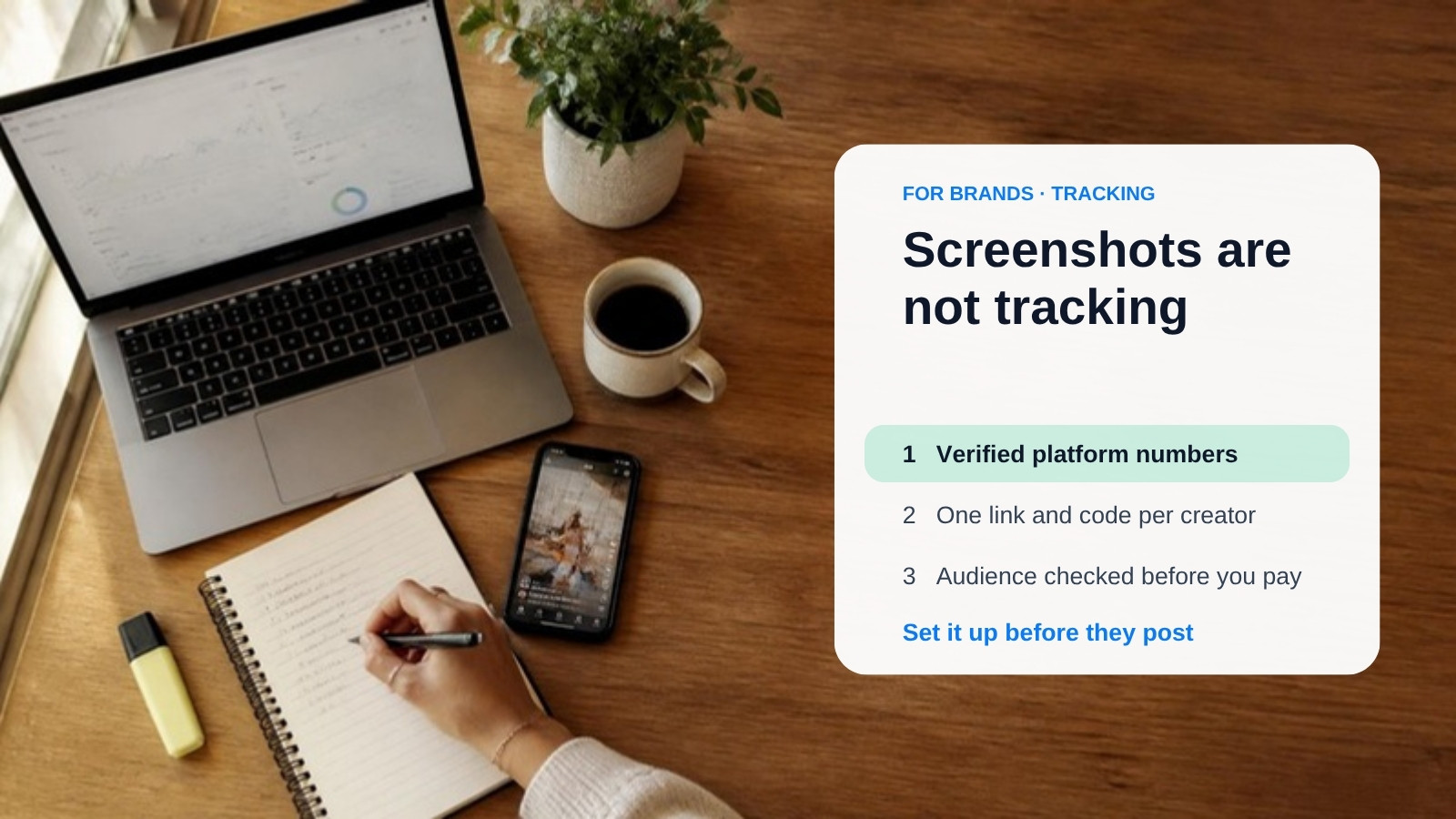
Screenshots are not tracking
A screenshot shows what a creator chose to show you. It can be cropped, out of date, or from a better-performing post. It is fine as a first look, but it is not proof.
On Instagram, when a creator tags your brand through the paid partnership (branded content) label, the tagged brand can typically see insights for that post, such as reach and engagement, without relying on a screenshot. The exact metrics and settings change over time, so check Meta's Help Center under branded content insights before you brief anyone. For other platforms, ask for the creator's analytics export or a screen recording of the post's analytics page.
- Agree the metrics in the brief: views or reach, likes, comments, shares and saves, and for links, clicks.
- Agree when they are read: for example 7 days and 30 days after posting, because most of a post's numbers arrive in the first few days.
- Agree who provides them: platform access or an export, not a hand-picked screenshot.
Give every creator their own link and code
Views and likes tell you people saw the post. They do not tell you anyone bought. To connect a creator to actual traffic and sales, use two things together:
- A unique tracked link per creator. Add UTM parameters (source, medium, campaign) so your analytics shows which creator sent each visit. Never reuse the same link for two creators, or their traffic merges and you cannot separate them.
- A unique promo code per creator. Codes catch people who saw the post and later searched for your brand or typed your address, which a link never records.
Neither is perfect. Some creators forget the link or paste your homepage instead, and codes can leak to coupon sites. That is why you use both and keep a simple sheet listing each creator, their link and their code.
Check the audience before you pay
The cheapest tracking is the one you do before spending. Analytics vendors have repeatedly flagged that a large share of Instagram accounts in India carry inflated followers or engagement. Treat that as a reason to check, not as an exact number. Before you sign, look for:
- Audience location that does not match the content: a Hindi creator whose followers are mostly from countries far from India.
- Story or video views far below follower count: for example a large account with only a few hundred story views.
- Generic comments: strings of emojis or "nice pic" from accounts with no posts.
- Sudden follower jumps with no matching viral post.
Engagement benchmarks also differ widely by niche (finance content usually gets lower engagement than beauty, for example), so compare a creator with others in the same niche, not with a single average.
A simple scorecard
| What you measure | Where it comes from | What it cannot tell you |
|---|---|---|
| Views / reach | Platform insights (branded content access or export) | Whether anyone cared or bought |
| Likes, comments, shares, saves | Platform insights | Whether the comments are real interest or filler |
| Link clicks and visits | UTM link in your analytics | People who saw the post and came back later on their own |
| Sales | Promo code plus link | Codes shared beyond the creator's audience |
| Audience quality | Pre-campaign audit of location, story views and comments | Future behaviour, since audiences change |
Where a contest changes the tracking
If you would rather not chase creators for numbers at all, a contest builds the tracking in. On EarnLeague, entries come from verified, connected accounts and are ranked on numbers pulled from the platform itself (views, likes, engagement), so what you see on the leaderboard is not self-reported. It does not replace your own links and codes if you want sales attribution, so you can still add both. If you want to try the format, create a campaign, or read how the contest formats work first.
The one-page checklist
- Metrics, reading dates and who supplies them are written into the brief.
- Each creator has their own UTM link and promo code, listed in one sheet.
- You checked audience location, story views and comments before signing.
- You will judge results at 7 and 30 days against a goal you set in advance.
None of this guarantees results. What it gives you is a clear answer at the end of the campaign, so the next budget is a decision, not a guess. To pick the right platform to run it on, see influencer marketing platforms for brands, compared.
Ready to run a campaign?
Set a brief and a prize pool, and creators compete on it.